Phone-first intelligence
Every workflow starts from the reality of a smartphone: touch input, limited power, mobile context, quick everyday use.
 Muchita AI
Private, on-device image AI
Free. Unlimited. Private. The AI you carry, not the AI you log in to.
It starts with Image Studio - private, on-device AI image generation and editing, now in closed testing on Android. Free and unlimited, local-first by design, so your prompts, photos, and creative work stay under your control.
Closed testing · Open now
Image Studio - private, on-device AI image generation - is in closed testing on premium Android phones with a Qualcomm chip, 2025 or newer. Seats are limited for now; we'll expand soon.
Premium Qualcomm Android phones, 2025 or newer. Limited seats - request access on the sign-up page.
Real results
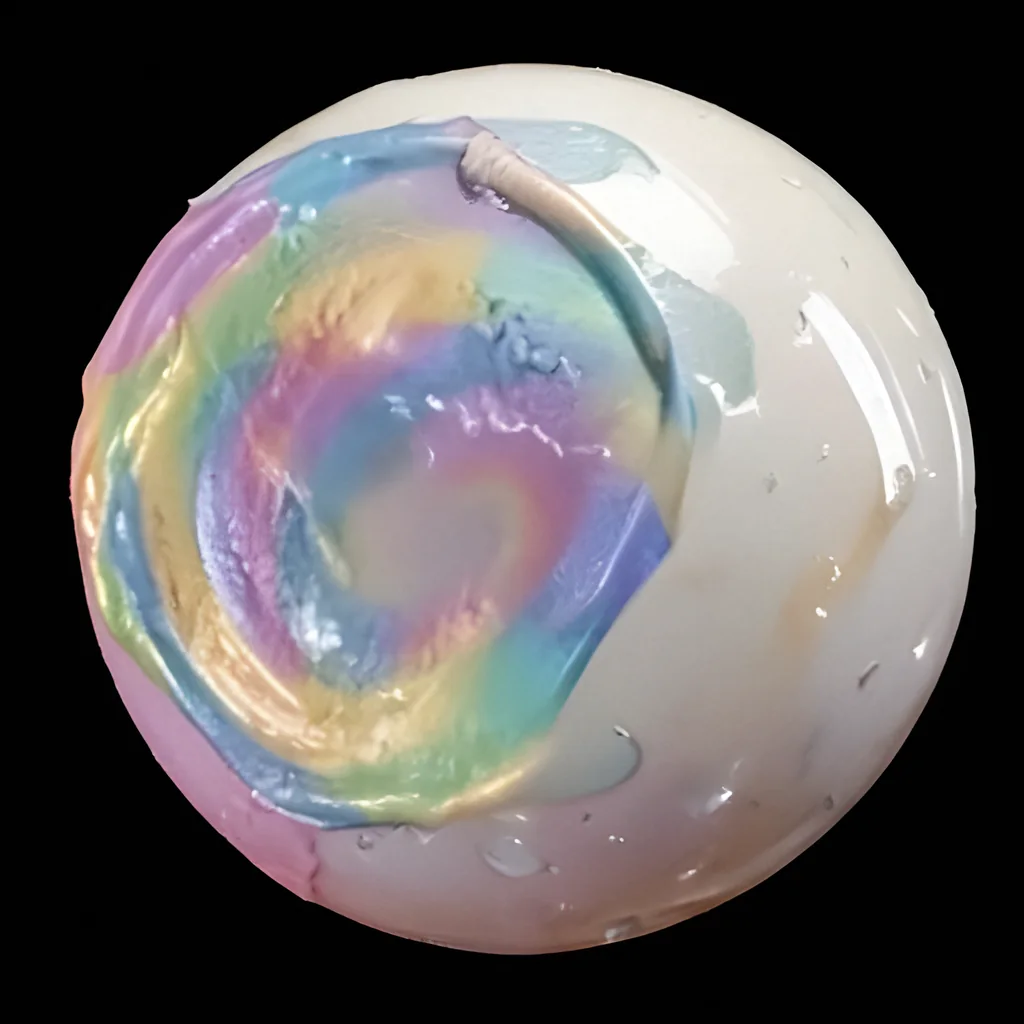
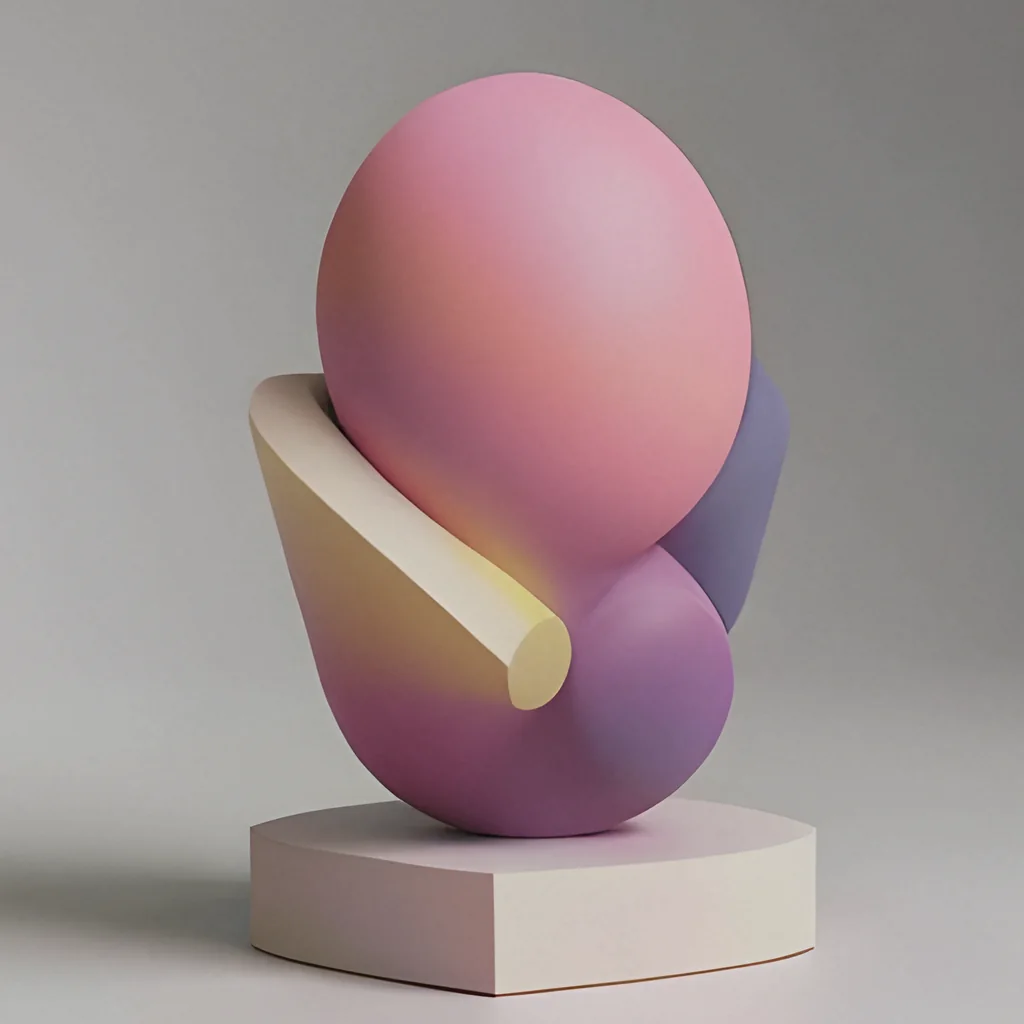
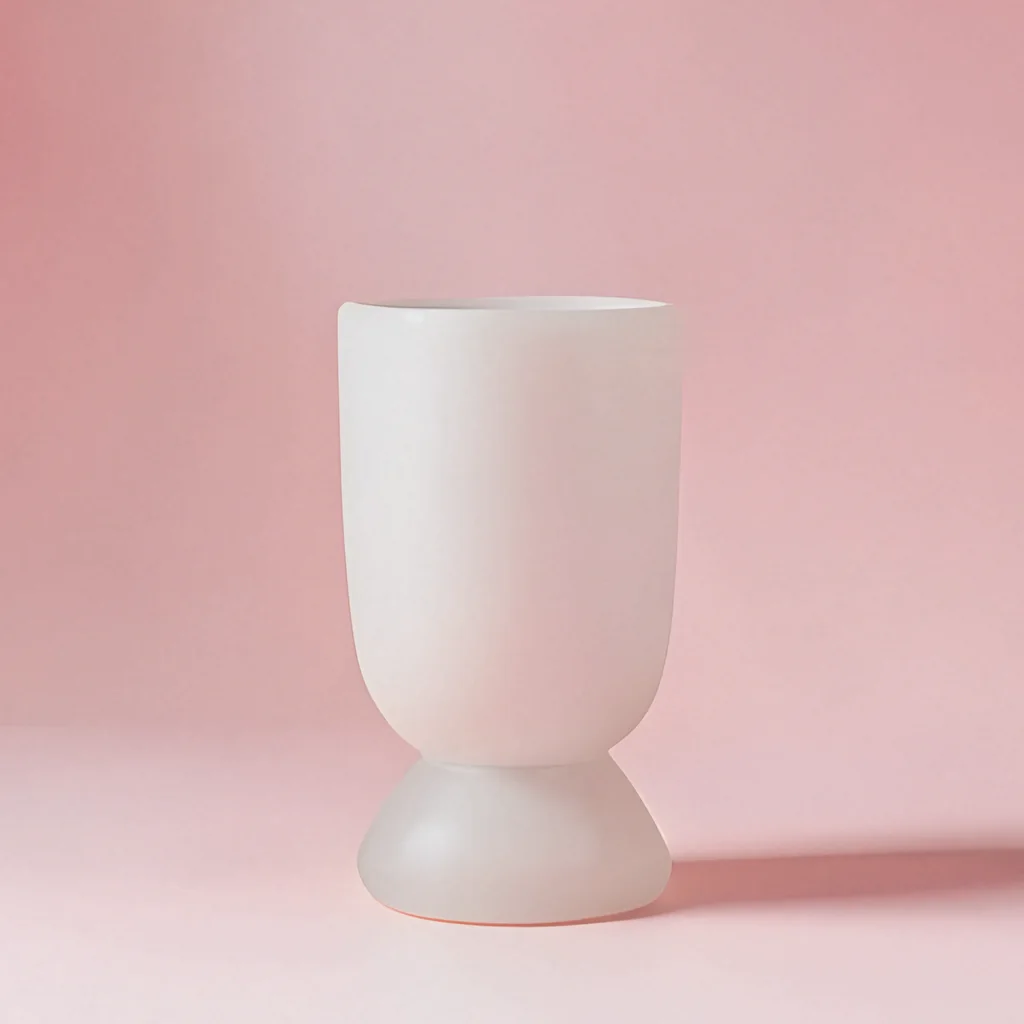
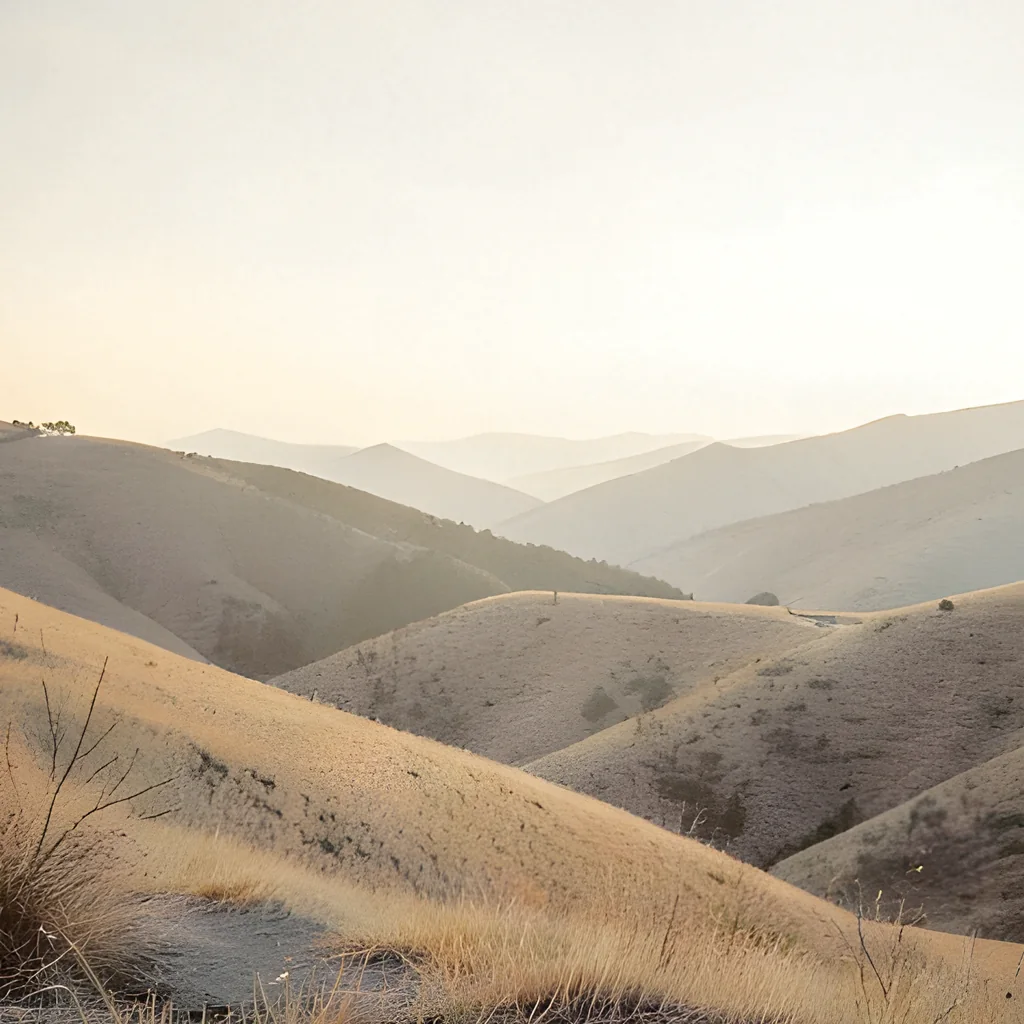
A glimpse of what Image Studio generates and edits on-device. See the full showcase →
The vision
Muchita AI is being built for people who want modern AI without turning every idea, image, or prompt into a cloud dependency. The focus is simple: private, fast, useful smartphone AI.
Every workflow starts from the reality of a smartphone: touch input, limited power, mobile context, quick everyday use.
Local-first experiences keep prompts, photos, and creative work under your control. Privacy is the default, not a setting.
Practical AI tools with no usage caps and no paywalls in the way - immediate, approachable, and worth opening again tomorrow.
What you can do
Three ways to create, all running on your device.
Turn a text prompt into a finished image with frontier diffusion models - running on-device.
Describe the change - relight, restyle, add or remove - and watch it apply to your photo.
Clean up, enhance, and swap objects in a single tap. No layers, no learning curve.

 Before
After
Before
After
How it works
The Muchita AI product flow is designed around a single principle: the smartphone is enough. From your first tap to the final result, your work stays close.
No accounts, no waitlists. Open the app and begin.
Modern models built for mobile silicon - fast, quiet, and private.
Your prompts and outputs live on your phone - not on a stranger's server.
Export only what you want, when you want - never automatically.
Why it matters
Personal context belongs on your phone - not in a database you'll never see.
Nothing leaves the device by default. Sharing is a choice, not a side effect.
Smartphones already hold our most personal context: photos, notes, ideas, documents, and messages. Muchita AI is shaped around the belief that the best mobile AI should help with that work while keeping control close to the user.
FAQ
A short read on what Muchita AI is, what it isn't, and what comes next.
Muchita AI brings modern AI to the smartphone you already own - private, free, and local-first. Its first app, Image Studio, is an on-device AI image generator and editor for Android, currently in closed testing.
Generate images from a text prompt, edit images by describing the change in words, and apply one-tap touch-ups like clean up, enhance, and object swap. Everything runs on your phone.
Premium Qualcomm Snapdragon Android phones from 2025 or newer - for example the Samsung Galaxy S25 and S26 series, OnePlus 13/15, Xiaomi 15/16, ASUS ROG Phone 9/10, and Honor Magic7/8. More devices are added as the test expands.
Yes - free and unlimited, with no usage caps. It's free during the closed test, and the free tier will be supported by ads, with an optional small payment to remove them later.
No. Generation and editing run entirely on your device, so prompts, photos, masks, and generated images are never uploaded to a server.
Image Studio is in closed testing on Android right now. You can request access today; a broader public launch will follow.